
English
Pending Signatures
Pending Signatures
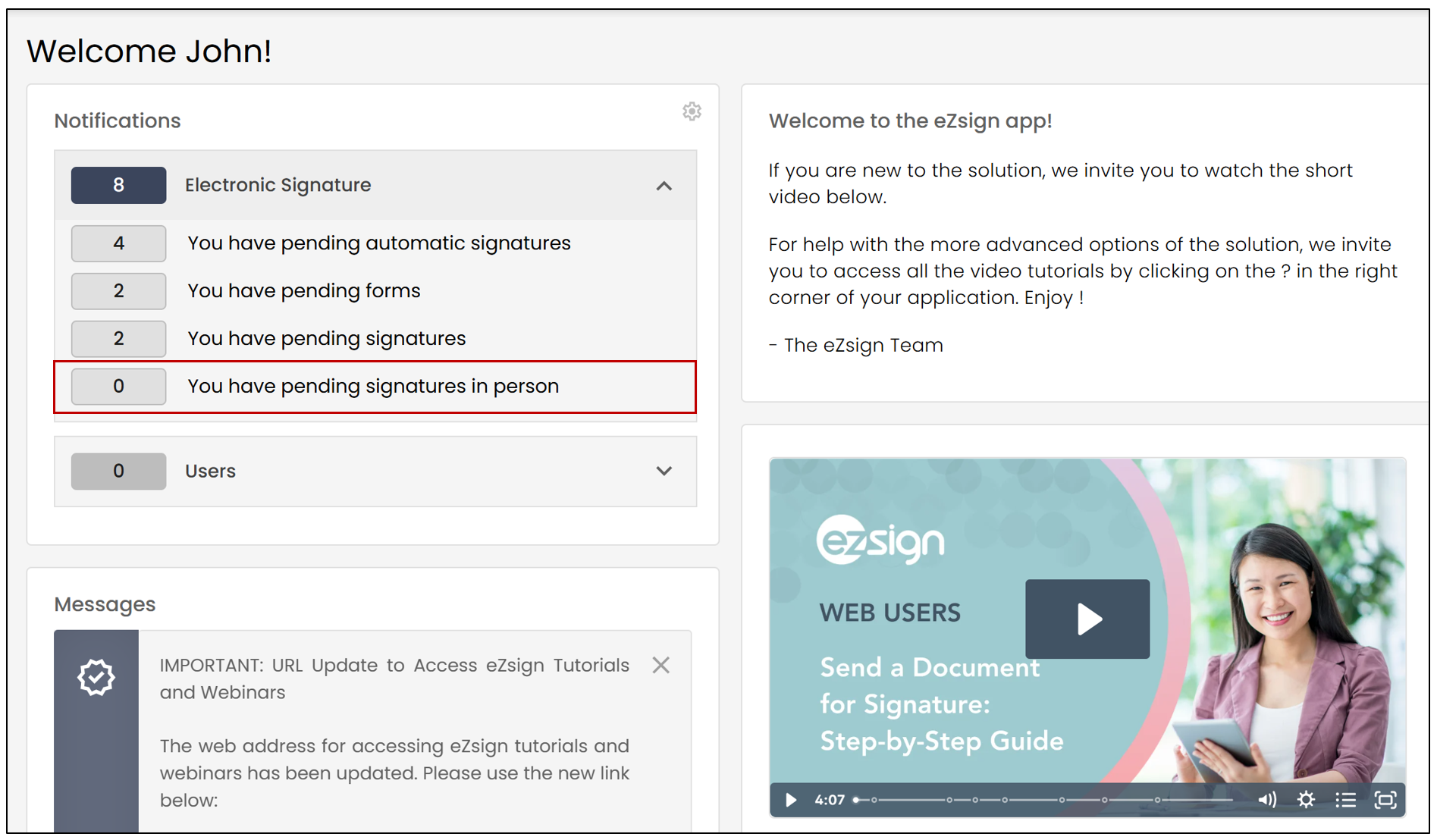
If a signature is required from you in a document, the following message will appear on your homepage:
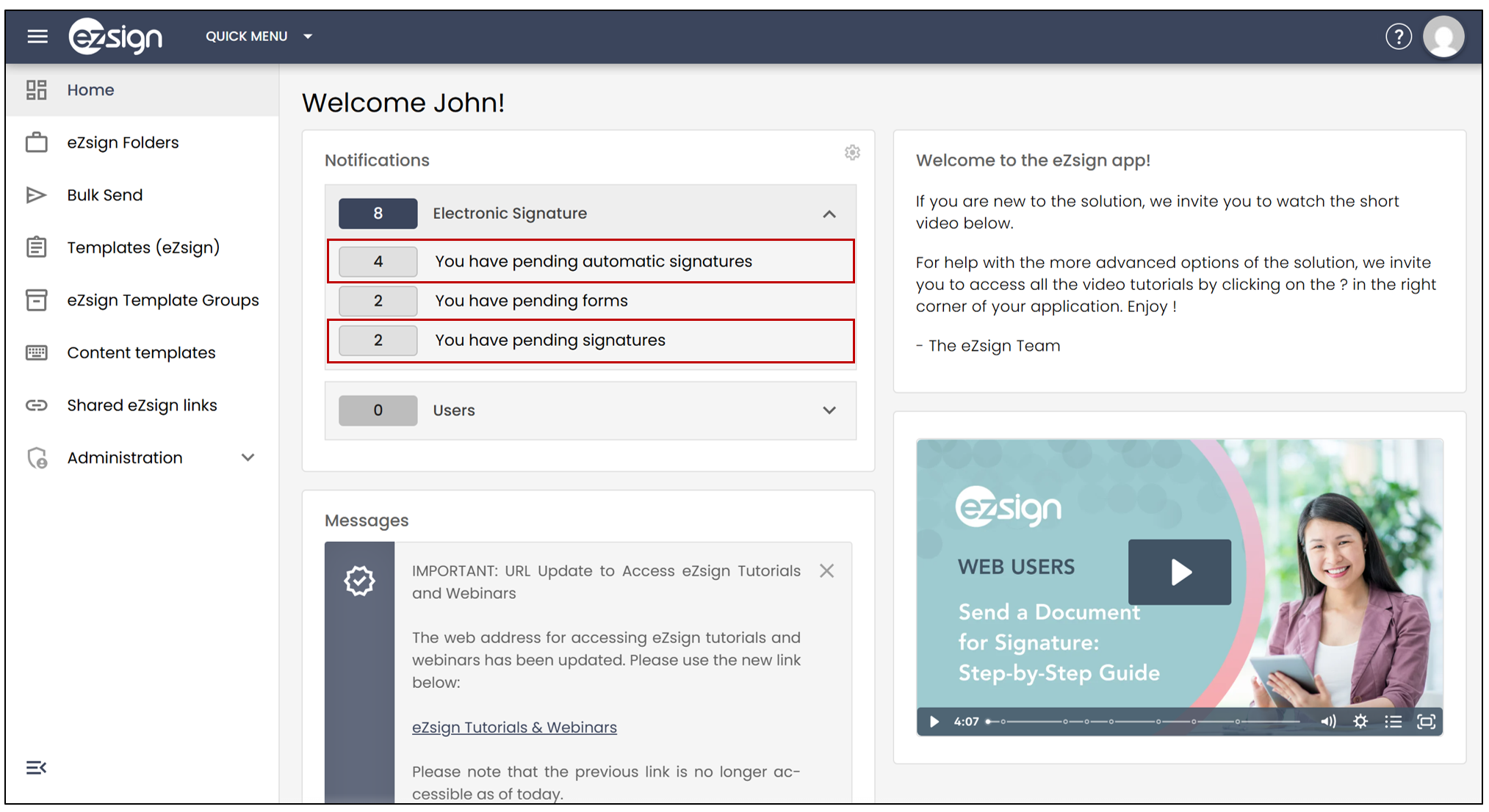
- Click on the number to the left of the message to access the pending signatures.
Pending Automatic Signatures
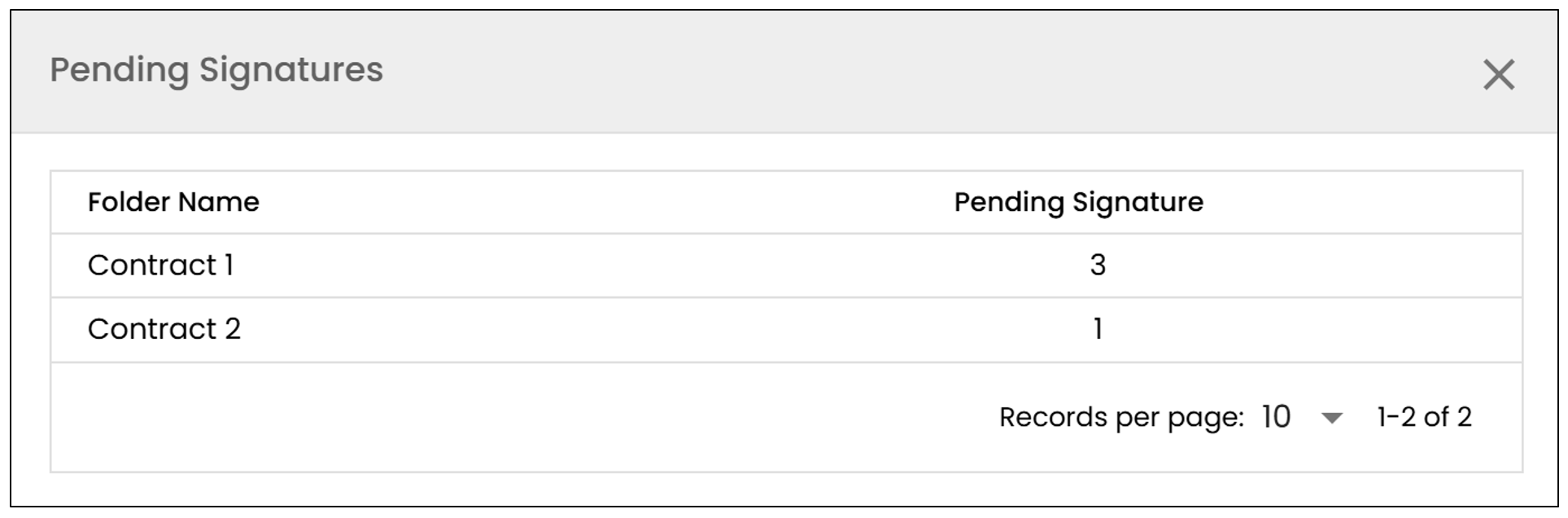
You will be able to see a list of all the files containing pending signatures.
By clicking on the downward arrow to the left of a specific file, you will be able to see the type of signature required and the page number where it is located.
Select Apply signatures , and this will automatically complete all the documents that require your signature.
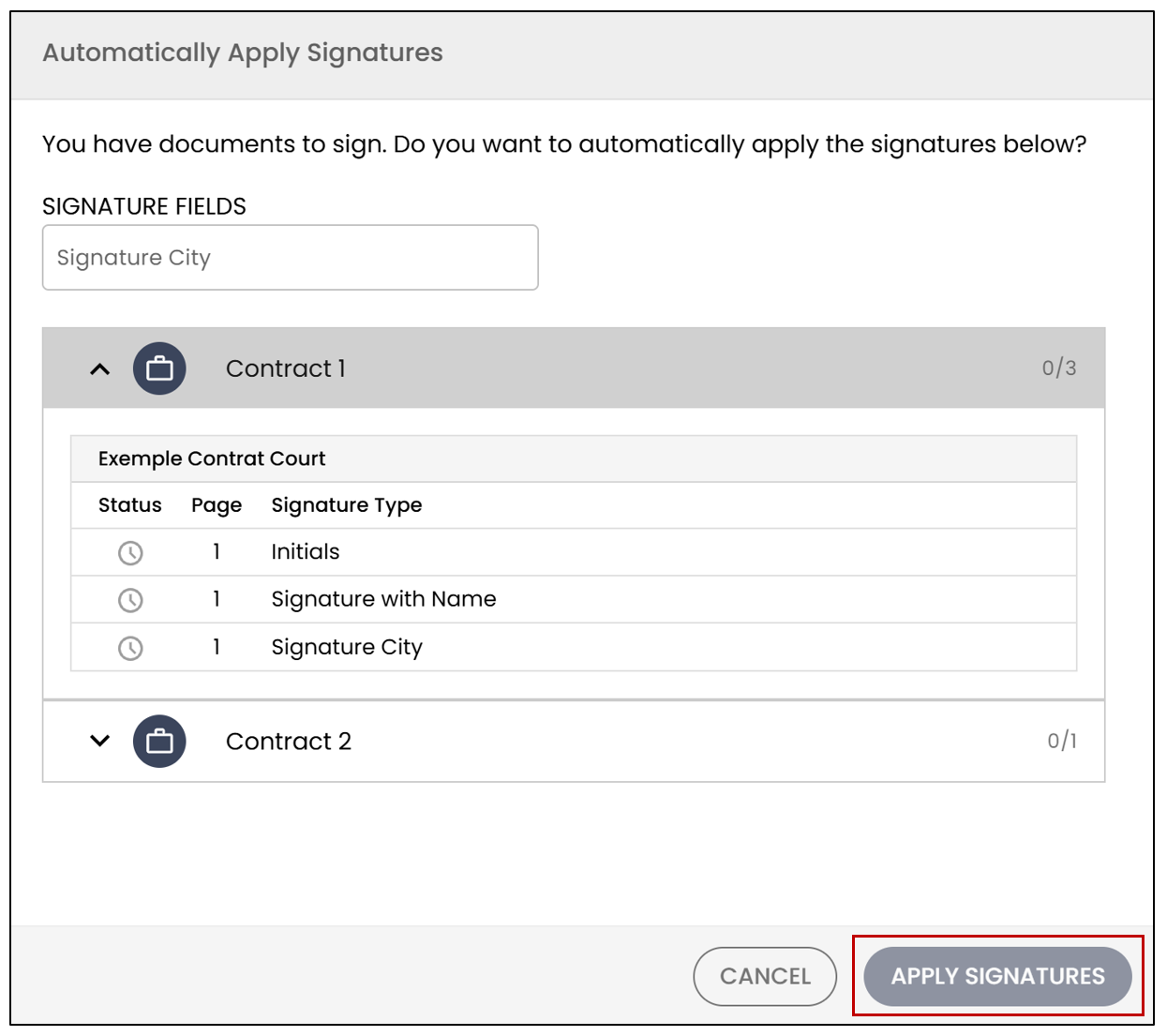
- After signing, the pending signatures will disappear from your homepage.
NOTE: If you wish to review a document before signing it, do not use the automatic signatures.
Pending Signatures
You will be able to see a list of all the files containing pending signatures.
You will need to click on the file you wish to sign, then apply your signature.
Sign the document at the indicated locations.
Repeat the steps for each document to be signed (if there is more than one to sign).
The message will disappear from the homepage once all the documents have been signed.
NOTE: You will not have the option to sign all the files at once; they must be signed individually.
Pending Forms
- If you have forms to fill out, they will also appear on your homepage.
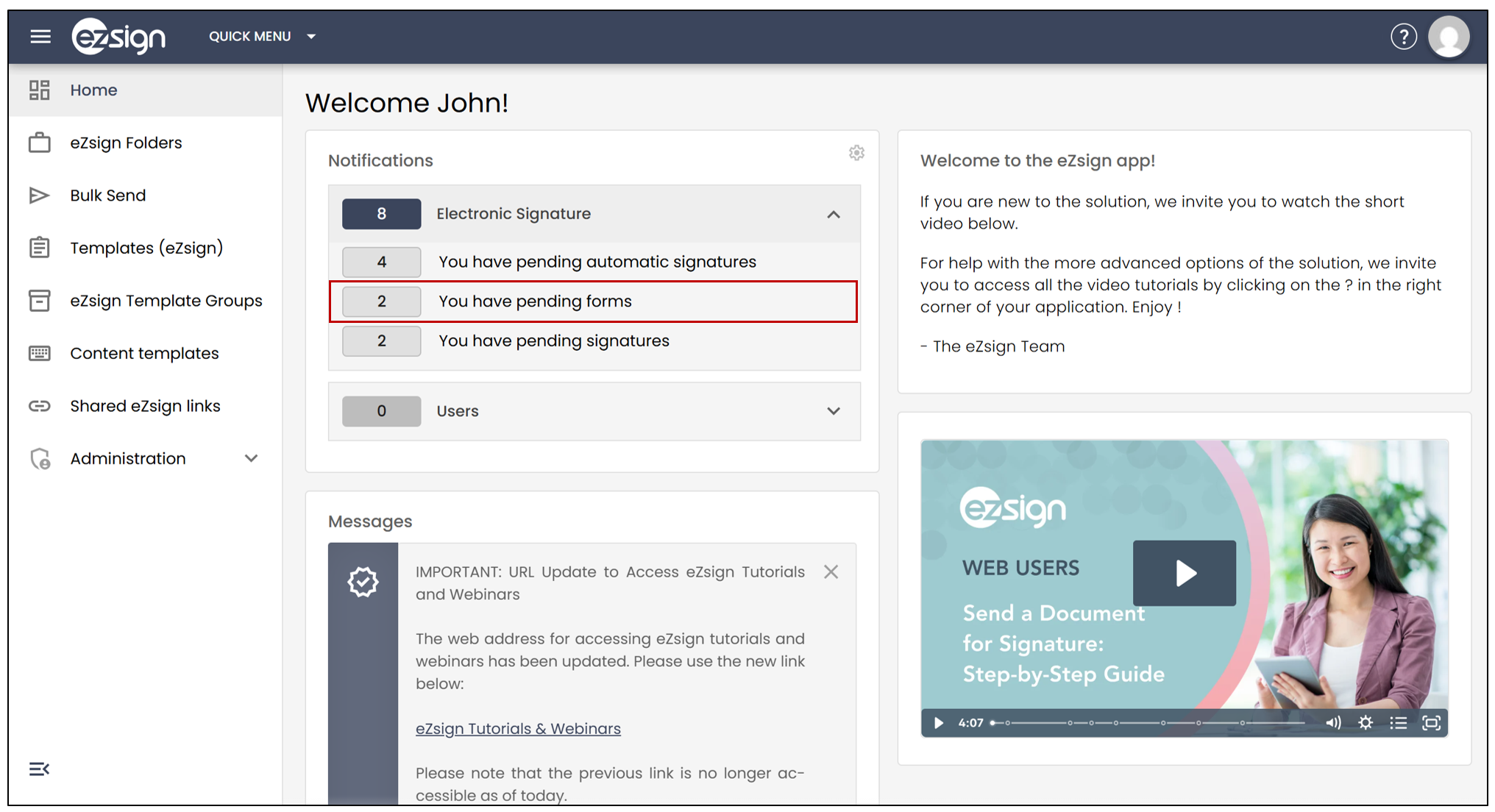
Click on the number to the left of the message to access the pending forms, then click on the form you wish to fill out.
It will open automatically, allowing you to fill in the required fields and apply your signature (if necessary).
The message on your homepage will disappear once you have completed the form.
Notification Settings
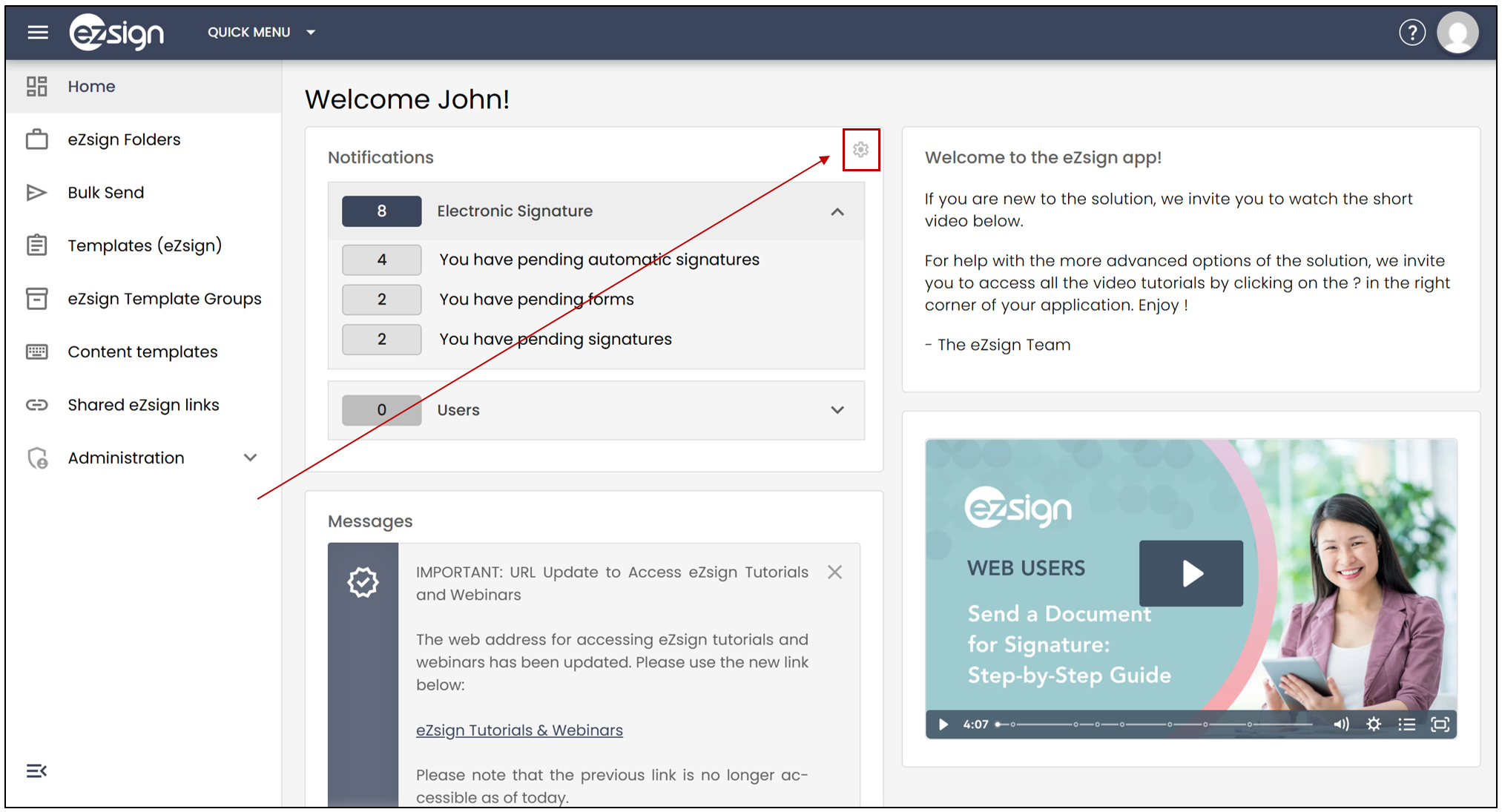
- You have the option to modify the signature notifications that appear on your homepage by selecting the settings icon below.
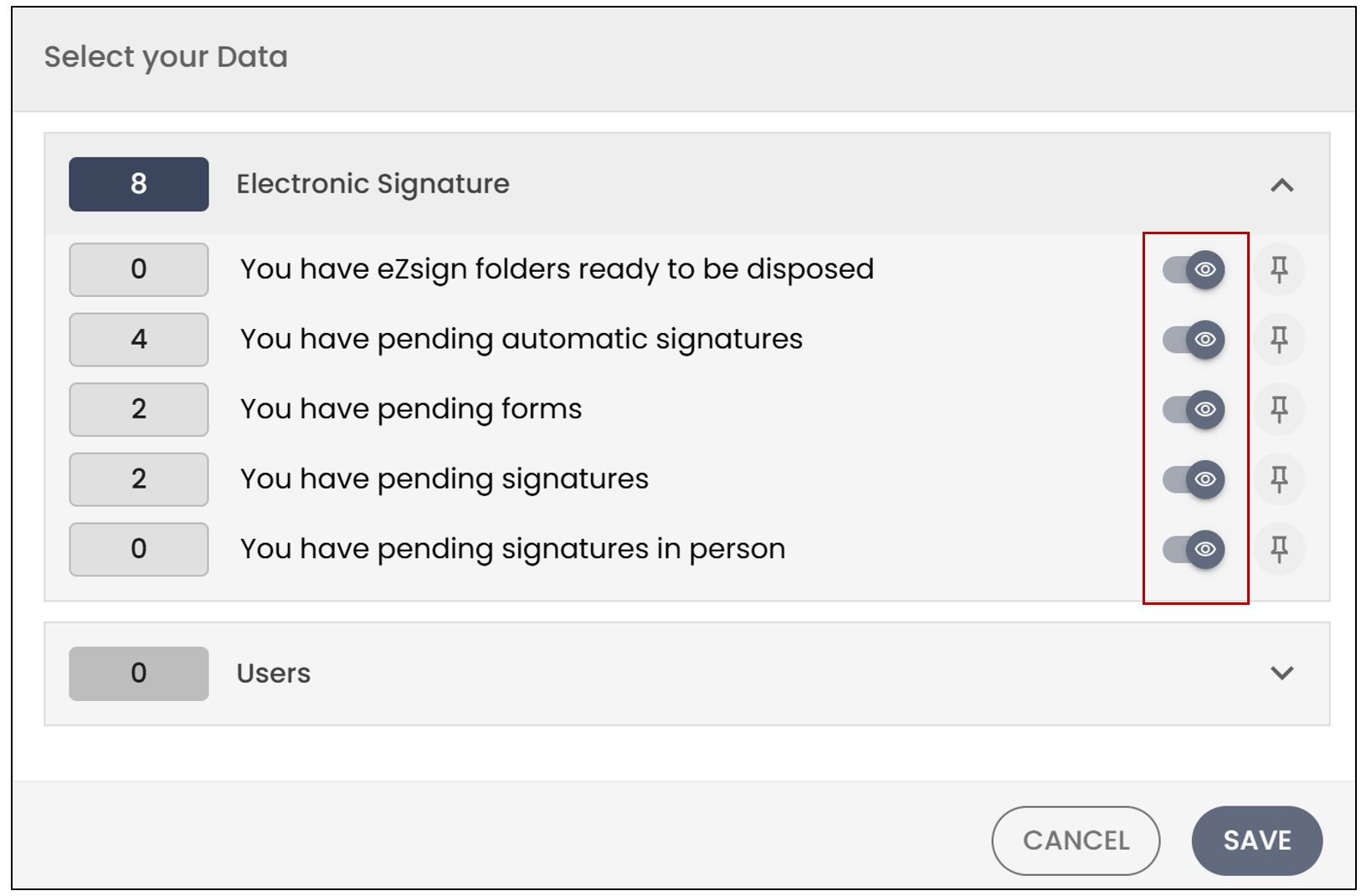
Make the changes, then click on Save to record your preferences. The deselected notifications will no longer appear on your homepage.
If you click on the pin icon

, the notification will always appear on your homepage, even if the notification count is 0.