
English
Order in Which Signatories Will Sign
Order in Which Signatories Will Sign
When there is more than one signatory on a document, it is possible to determine the order in which they will sign. If there is more than one step, the first signatory must sign the document so that the second signatory can sign, and so on, until the final step. If all the signatories are at step 1, they can all sign at the same time.
NOTE: When signing a document, if it contains form fields, those must be filled out before any signature fields.
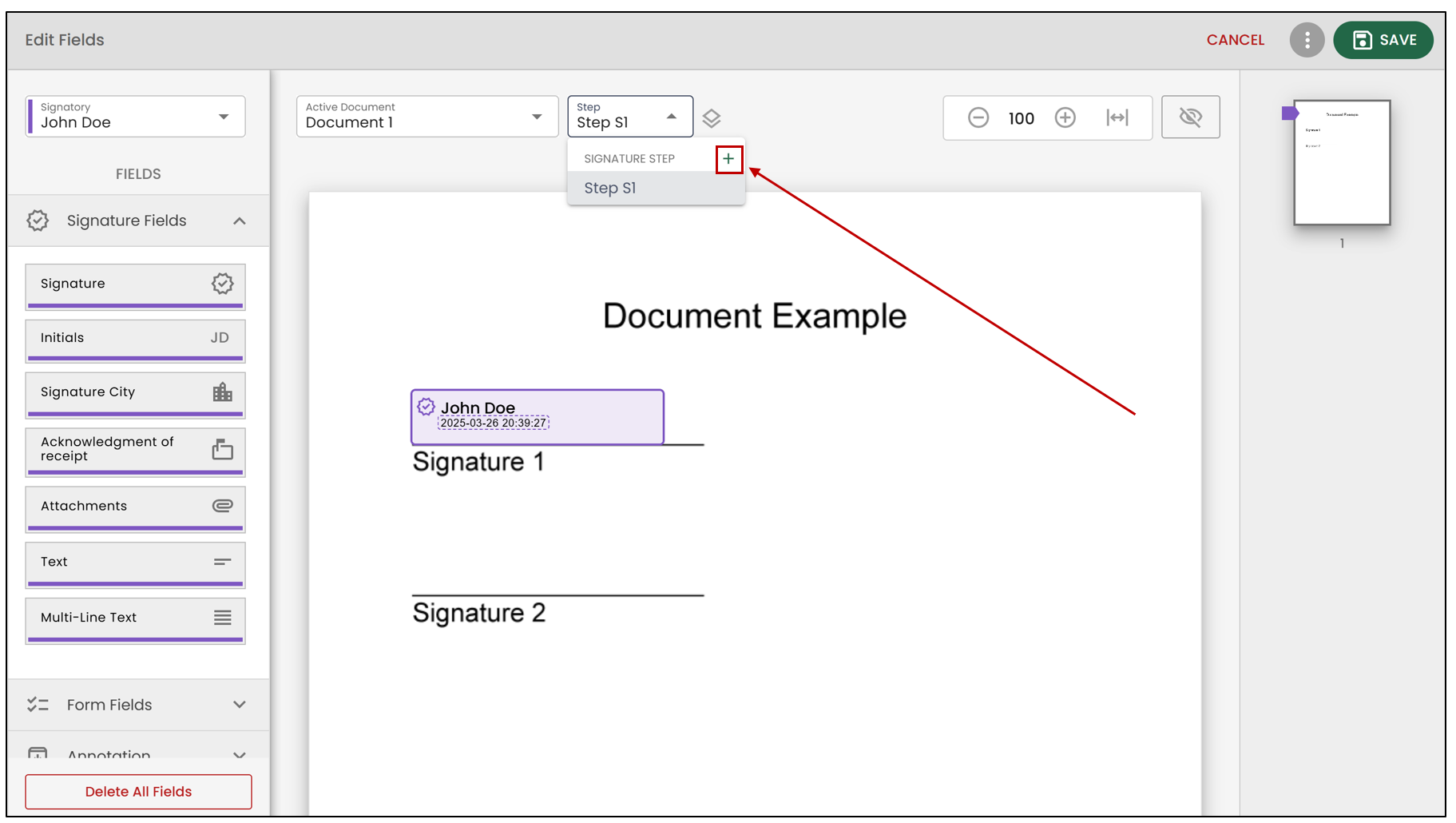
When adding a field, you will be able to see its step. If you wish to add a step, you must click on the "+", and it will be added automatically.
Then, you can add another field corresponding to the added step. In the example below, the Signature field was added when step 2 was selected, so Jane Doe will sign once all the signatures in step 1 are completed.
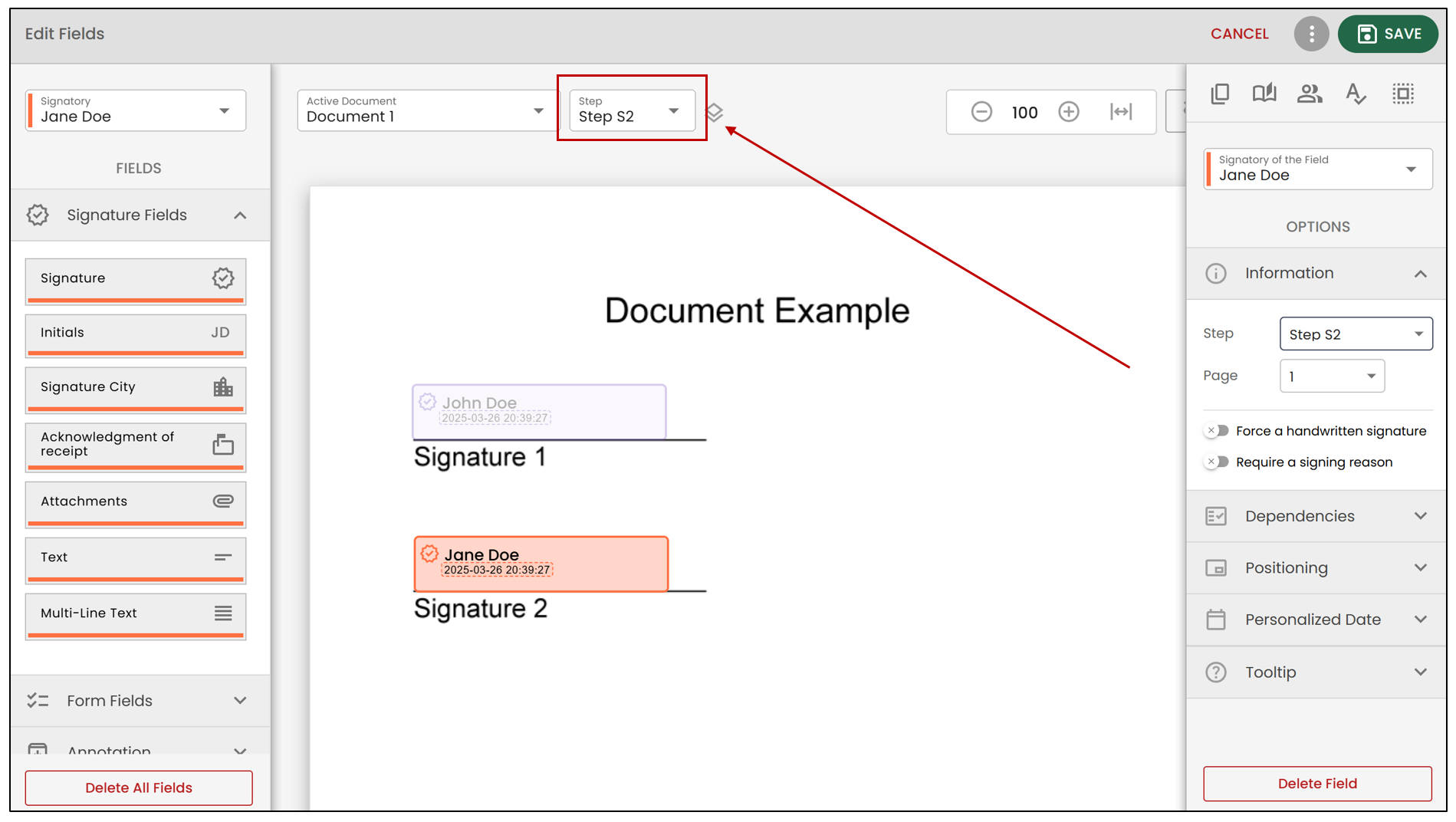
When adding a field, you can select the number corresponding to the desired step (in the example above, it is step 2).
You can also modify the step directly by clicking on the desired field, then selecting the step number in the Information section (see below).
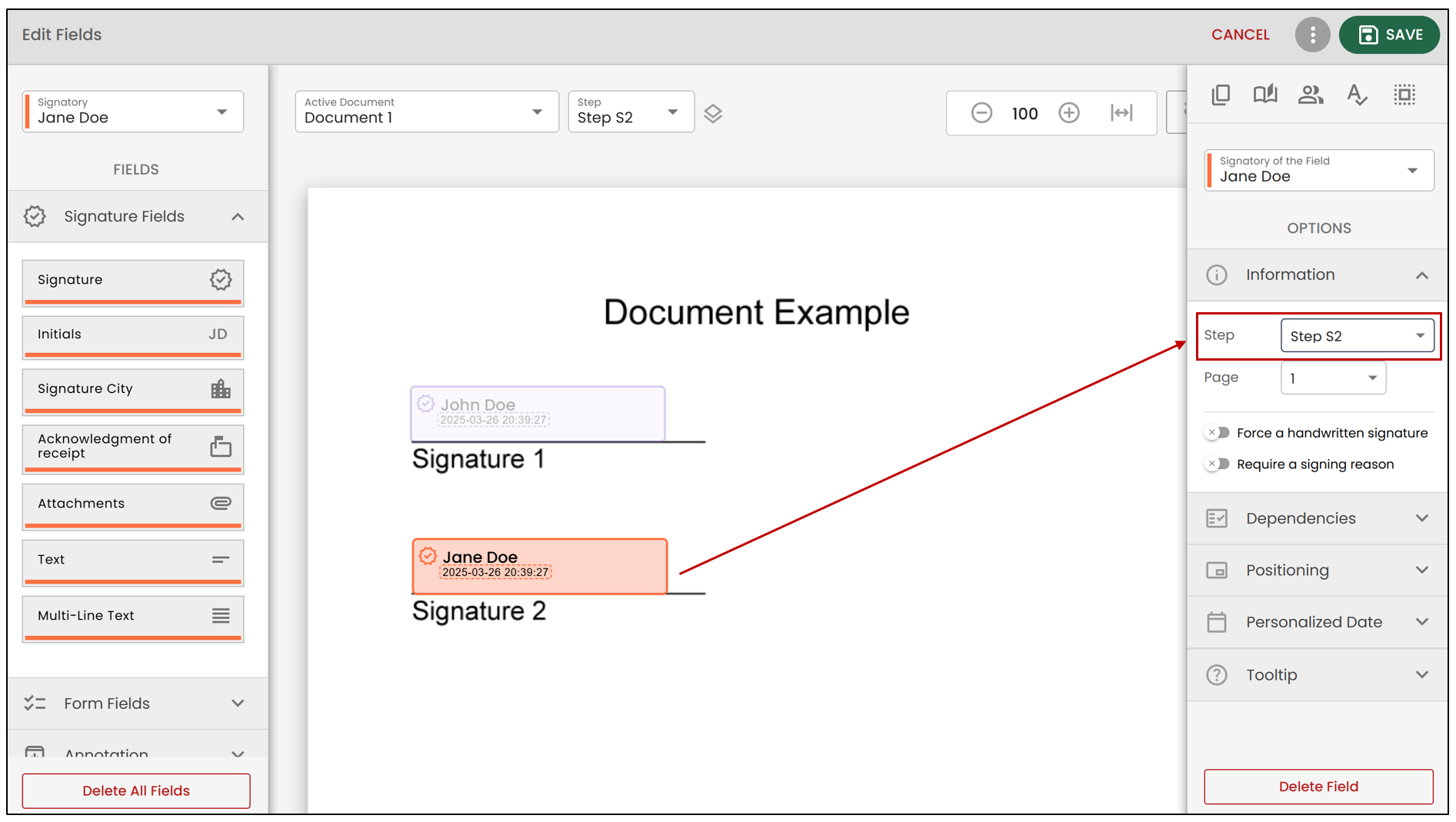
A single signatory can have fields at different steps. For example, John Doe will sign the document first. Then, at the second step, Jane Doe will add her signature. It is also possible that John Doe will need to sign again if a signature is required at step 3.
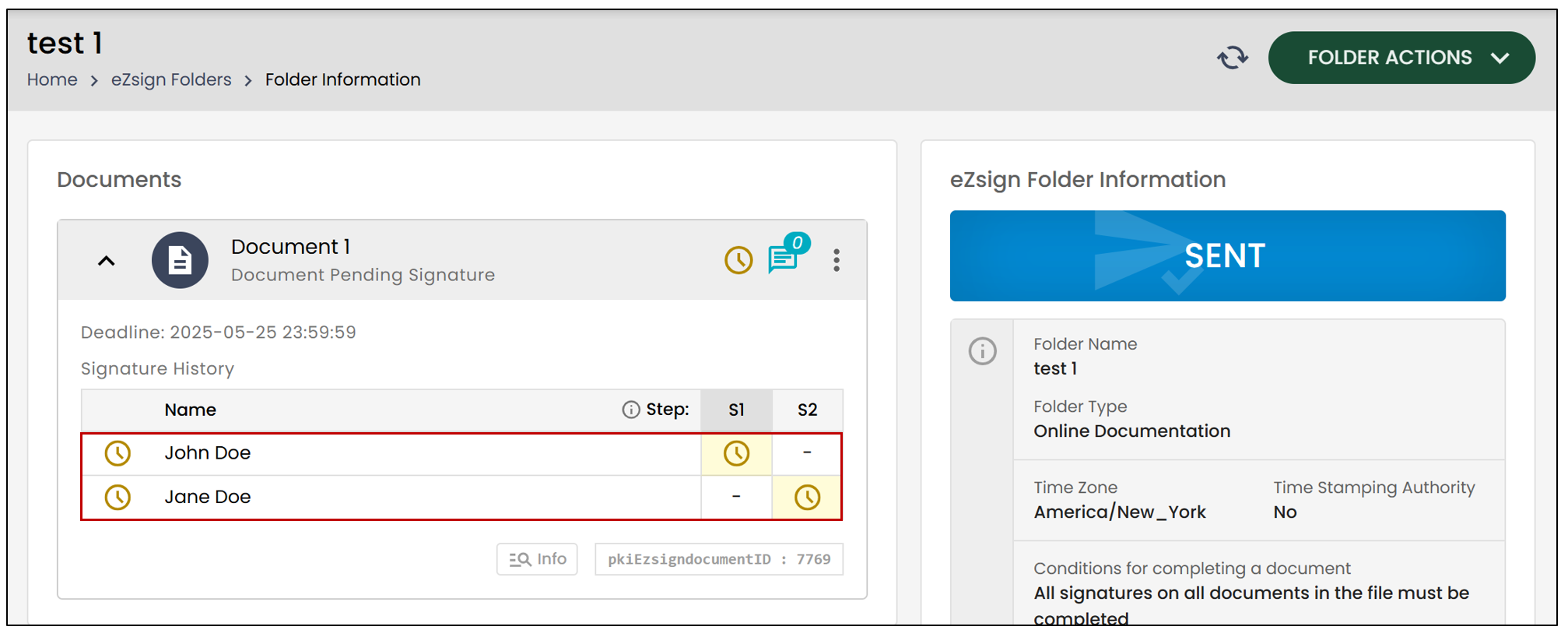
When all the fields are added to a document, in the Signature History section of the file, you can see the order in which the signatories will sign.
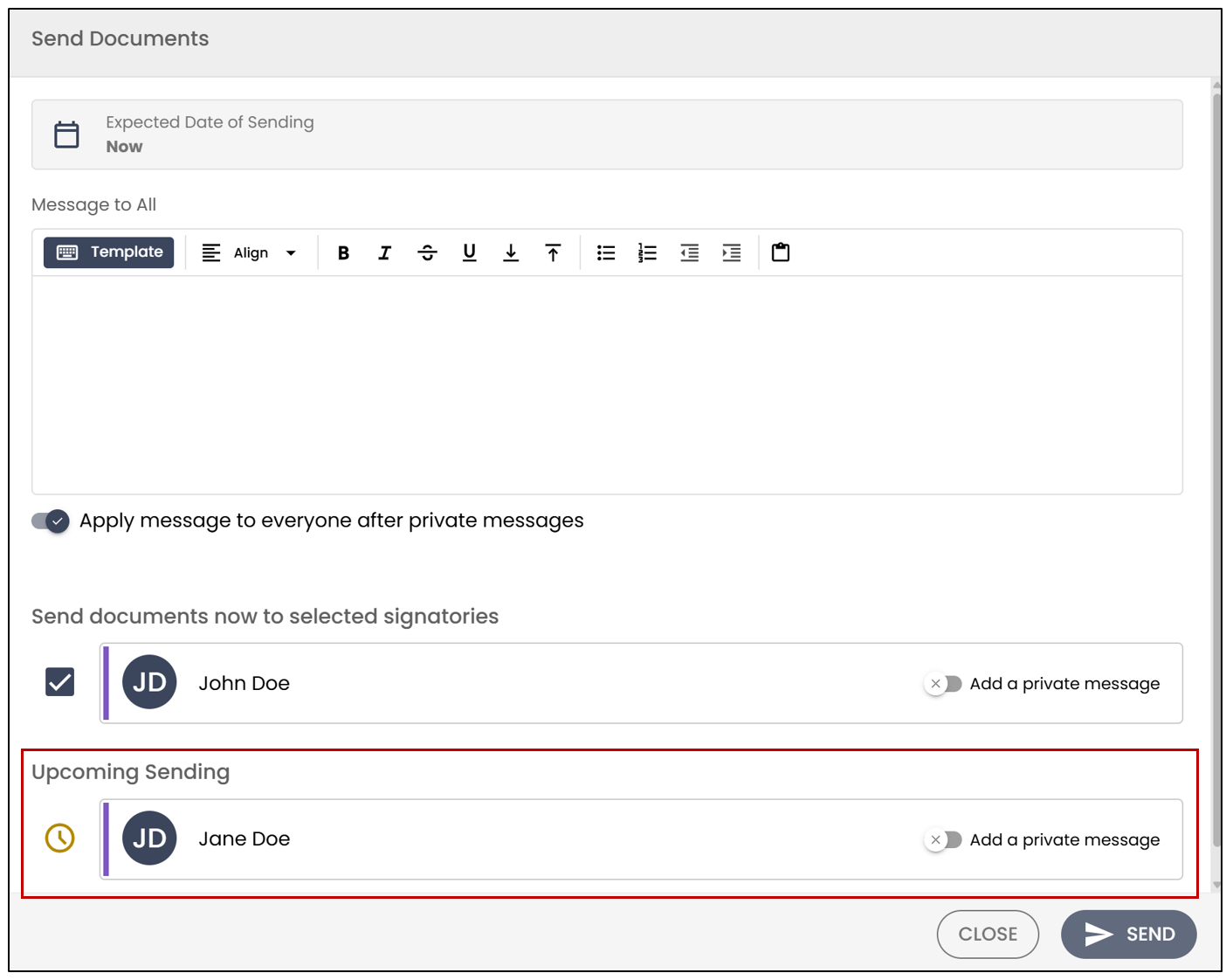
NOTE: When you send a document with more than one step, the signatories of subsequent steps will appear in the Upcoming Sending section when sending the documents.