

English
Add/Modify Credit Card Information (Corporate Account)
To have the option to add a credit card to a corporate account, you will need the Invoicing permission.
From the main menu, click on your profile picture. In the Subscriptions section, you can view the type of subscription you currently have.
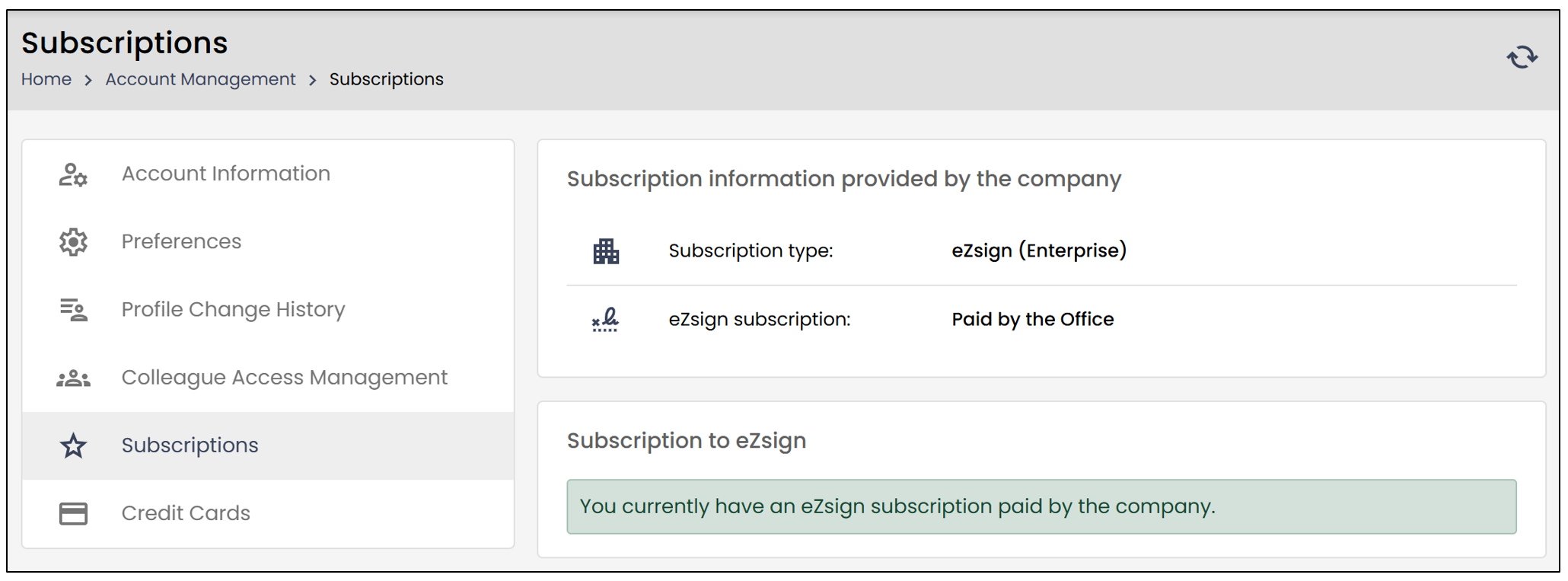
- If you have a corporate account, your subscription will indicate "Paid by the office."
NOTE: If you are the person responsible for payments, to change the account type, you will need to contact our sales department. We will then be able to amend your contract and adjust your subscription.
The corporate account will still allow you to add and edit a credit card.
From the main menu, click on your profile picture, then select Credit Cards.
- Select Add a Credit Card.
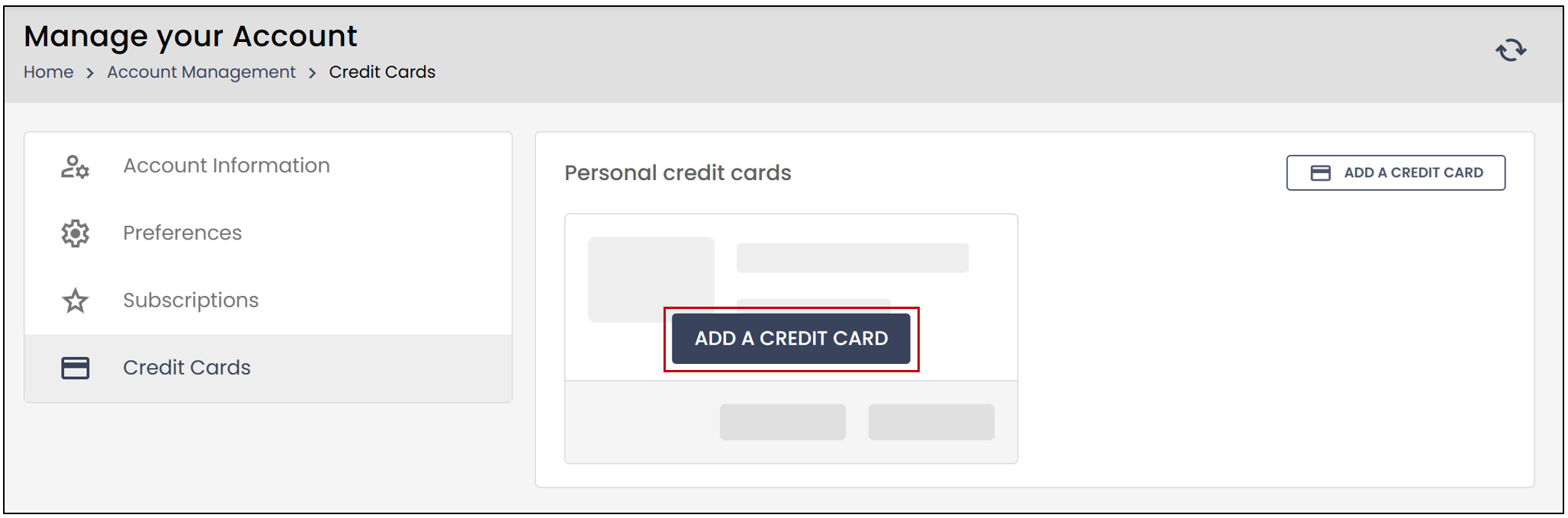
You will need to enter the following information:
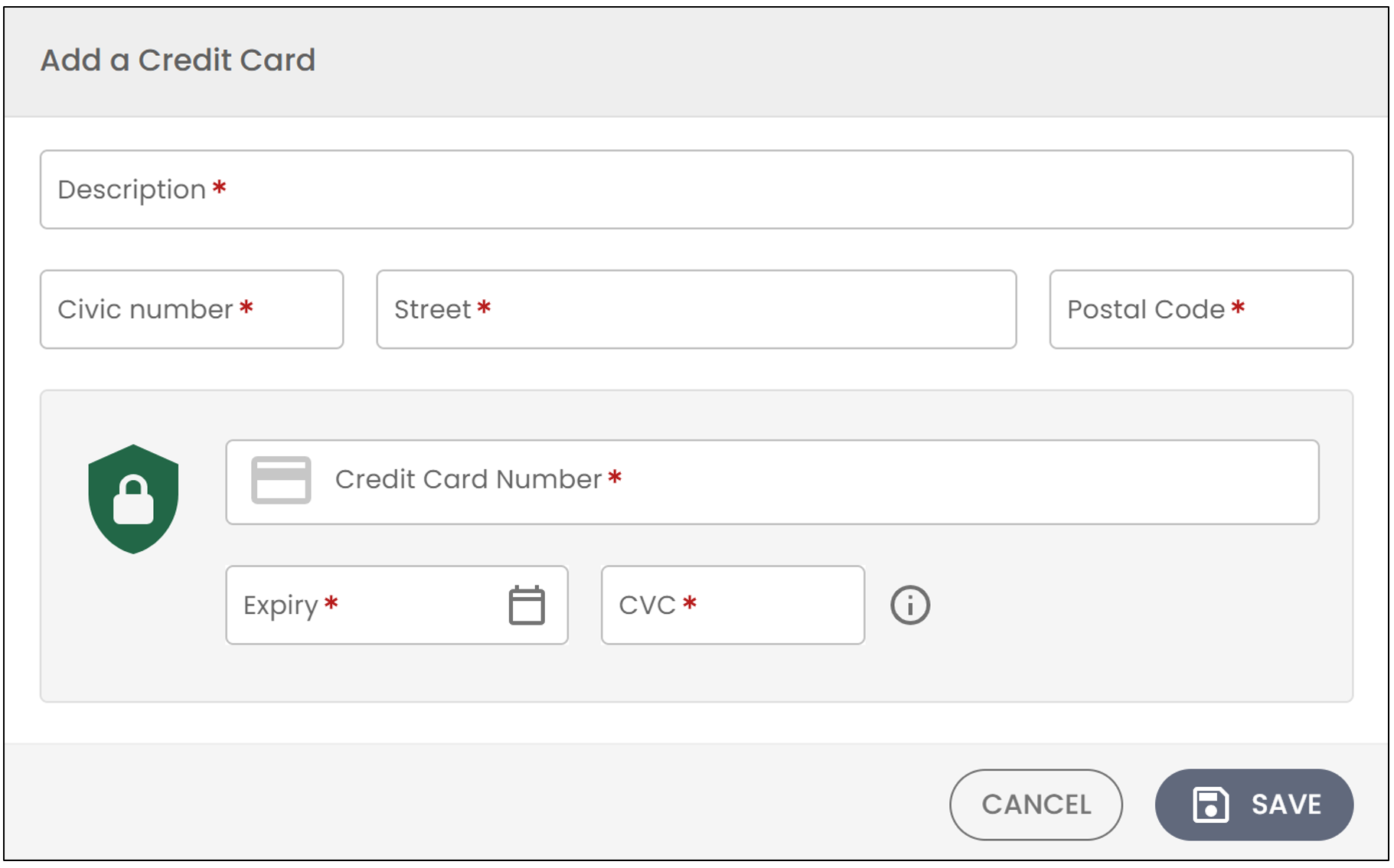
Description: Enter your desired Description for the credit card. For example, Personal Mastercard.
Enter your address (Civic number , Street , and Postal Code).
You will then need to enter your Credit Card Number , along with the Expiry date and CVC number.
Once all your information is entered, click Save.
Once the credit card has been added, you will have the option to Delete or Edit the credit card.
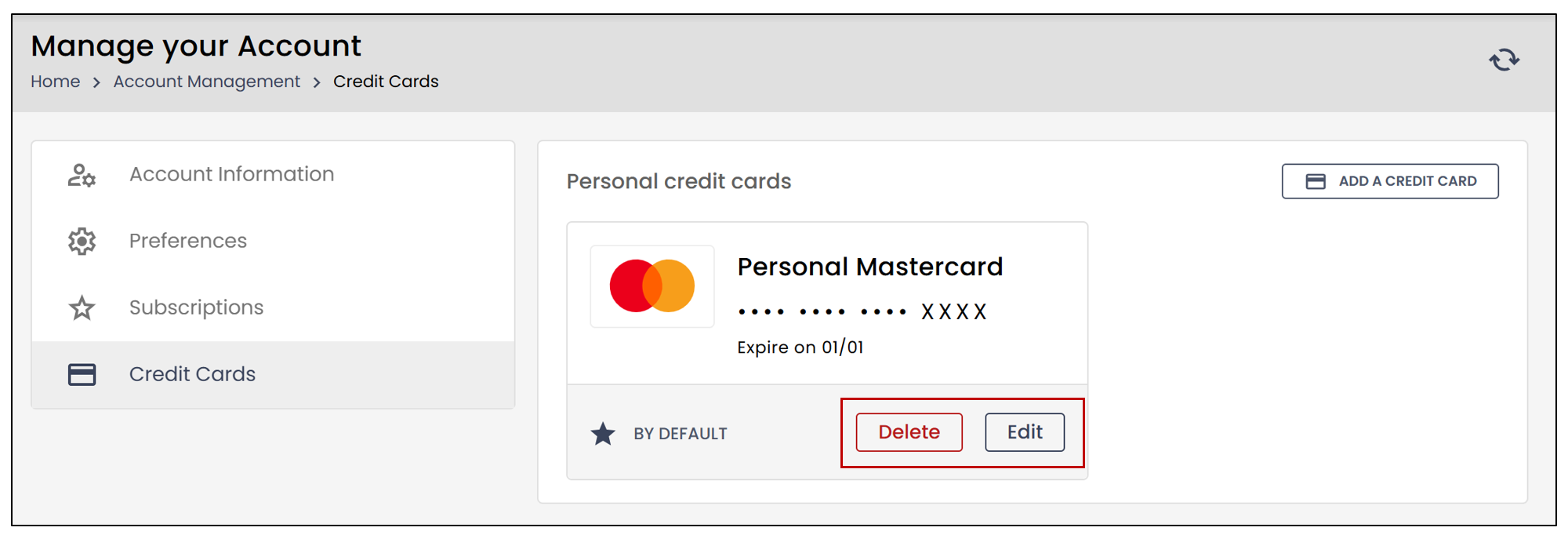
- If you select Delete , the following message will appear:
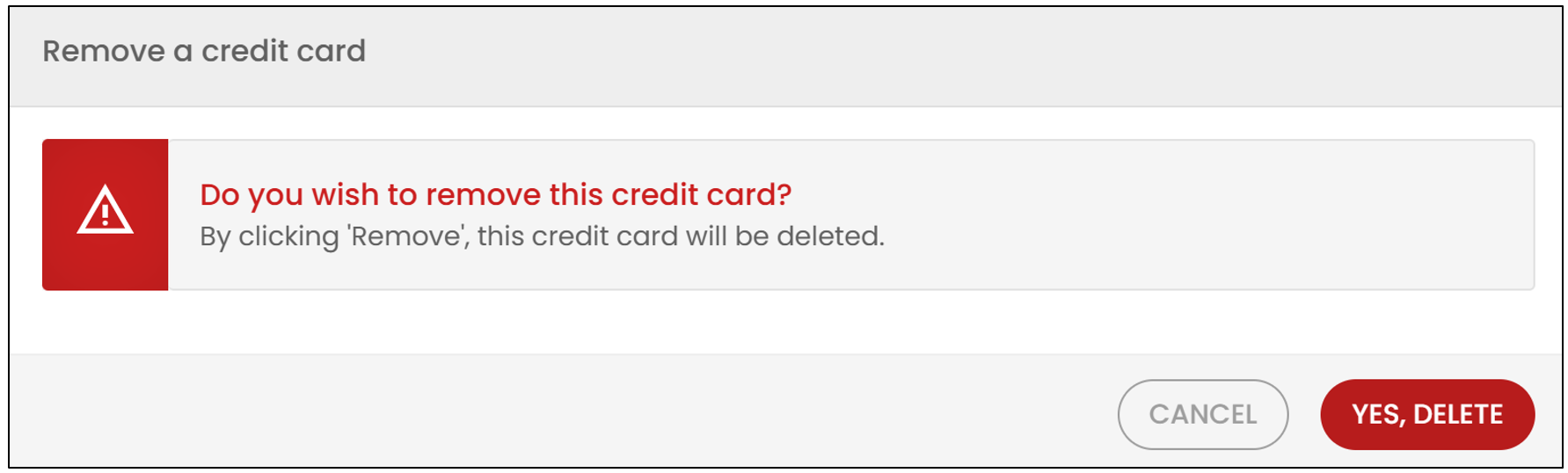
- If you wish to delete the credit card, select Yes, delete.
If you wish to edit the credit card, click Edit.
- You will be able to modify all the previously entered information.
NOTE: If a user does not have access to the Administration menu, they will be able to see the type of account they have, but they will not have access to the credit card options. To change the subscription, the user will need to contact the account administrator directly.